

Uhale Digital Picture Frame, 10.1-inch High Definition Touch Screen, 16GB Memory, Digital Photo Frame with Automatic Rotation Feature.Birthday Gifts for Mom Women
$4.99
Related Products

![RENPHO Active Thermacool 2 Massage Gun with Heat and Cold, Christmas Gifts, [2025 Upgraded] Percussion Deep Tissue Handheld Neck Massager, FSA Approved, Muscle Masajeador for Men Women Athletes HSA](https://happyandhome.co/wp-content/uploads/2025/12/61mtD8hHyL._AC_SL1500_.jpg)






Product description


1 Share via Uhale APP
2 Share Pics via Uhale Web
3 Send Best Wishes
4 Unlimited User Connection
5 Share Moment Remotely


1 10.1 Inch Screen Display
2 IPS Touch Screen Design
3 Video Playback
4 178° Viewing Angle


1 16GB Memory
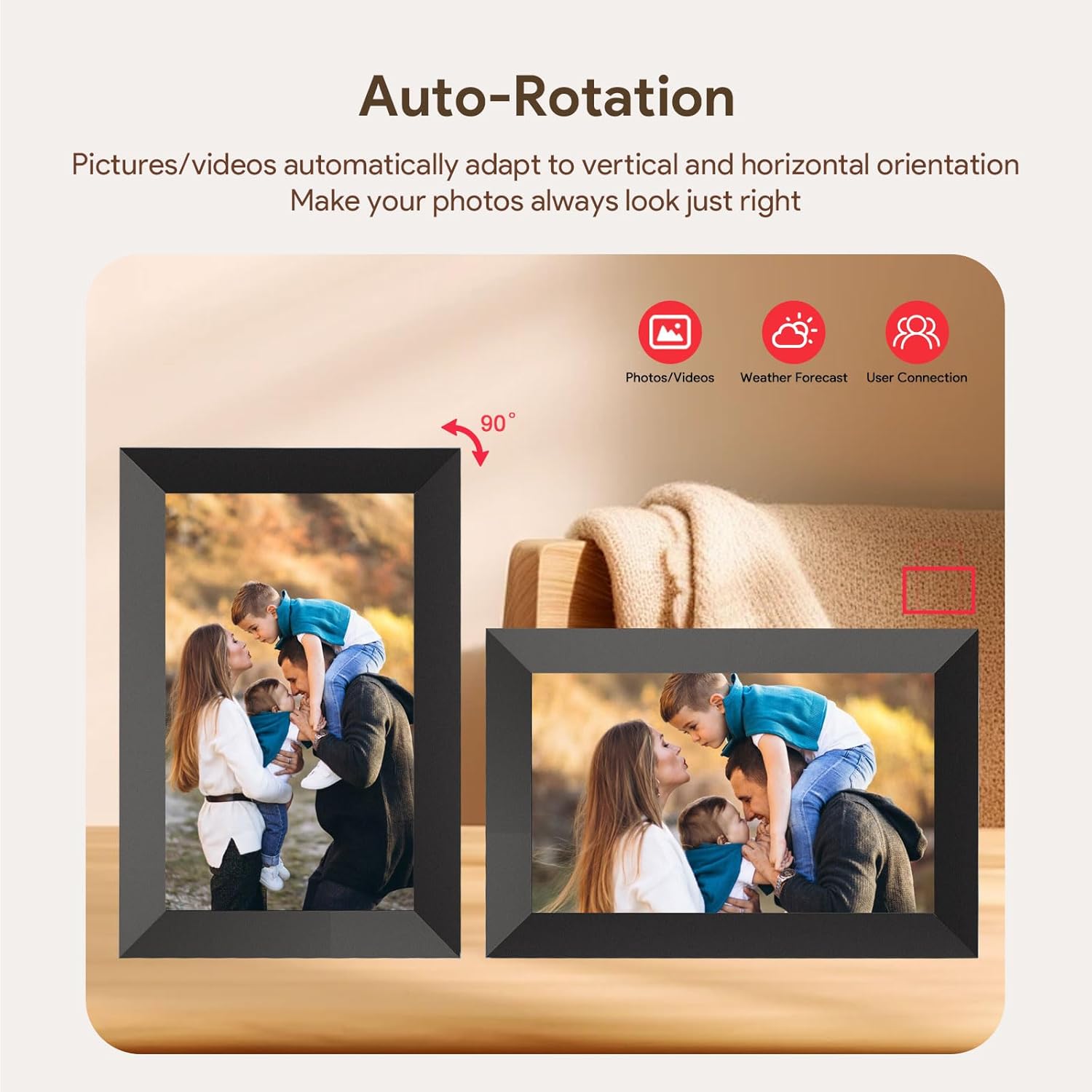
2 Auto-rotate&Wall Mounted
3 Adjust Volume&Brightness
4 Sleep Mode
5 Continually Updated


1 Secure & Private Sharing
2 Usage Scenarios
3 Fit For Various Occasions
4 Package List

SECURE AND PRIVATE PHOTO SHARING: Xixi Vision smart picture frame ensures that your photos and videos are safe and secure through encrypted network transmission technology, making it easy to share precious moments with your family or loved ones. Connect the Electric Photo Frame to WIFI and invite an unlimited number of friends to share photos or videos (up to 2 minutes) to the Digital Photo Frame anytime, anywhere via the “Uhale” app. In addition, photos can be uploaded to the frame from your computer via “Uhale” Web.
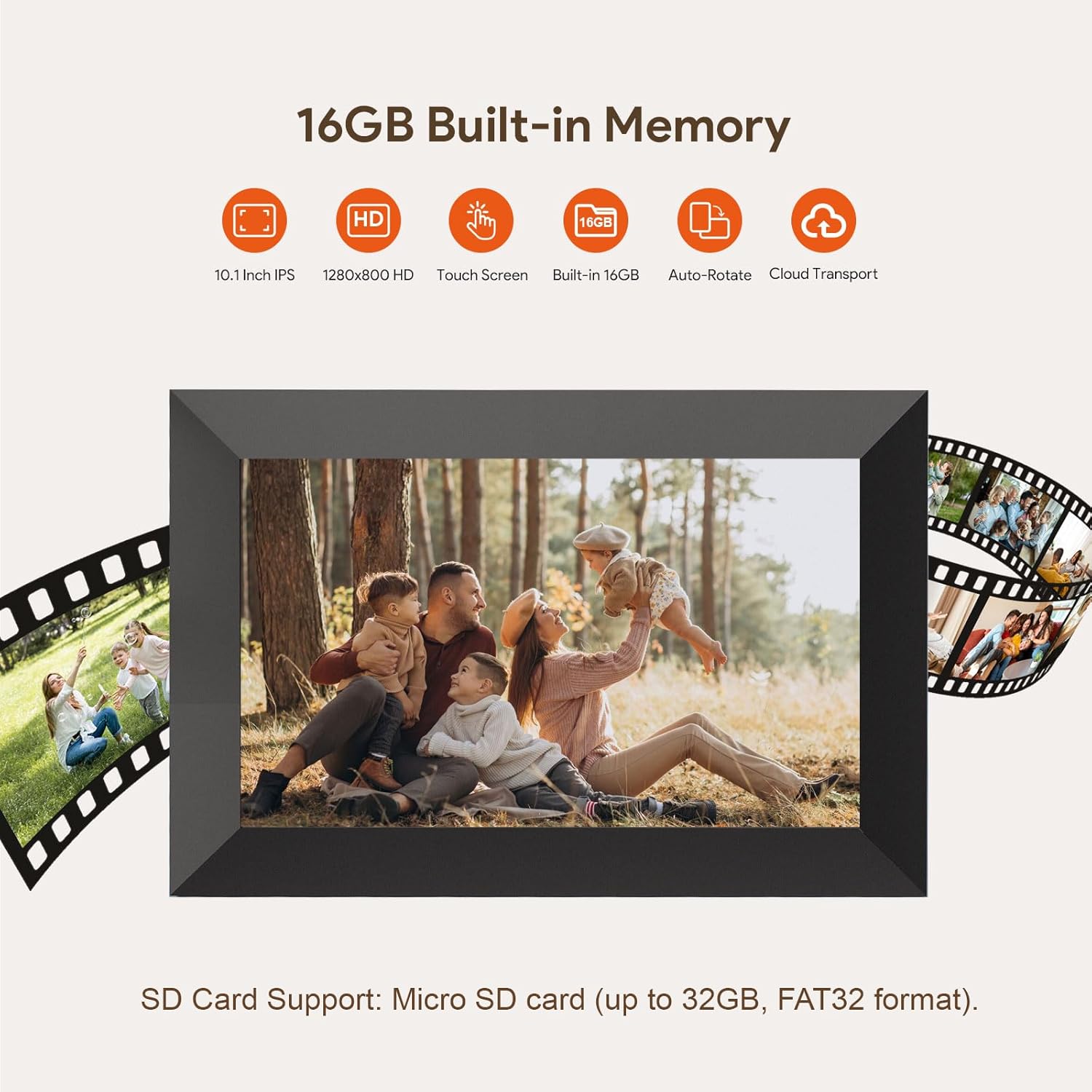
10.1-inch IPS HD Touch Screen: This cloud photo frame is equipped with 1280*800 HD resolution with 180° ultra-wide viewing angle and accurate color reproduction to perfectly present every precious photo. The touch design is simple and easy to use, especially suitable for elders to operate, easy to browse photos, adjust brightness, adjust volume, play slideshow and so on.
16GB Built-in Memory & Expandable Storage:This wifi digital picture frame has a built-in memory of 16GB i nternal storages. For larger collections, easily expand storage via a Micro SD card (supports up to 32GB, card not included) or direct playback of photos and videos from external devices,and you can import or export photos videos.
Multi-functional customized settings: fill/fit photo frame, fixed/loop playback, sleep mode setting, instant/timed blessing, slideshow mode selection, sound and brightness adjustment, etc.
Highlighted Moments: Xixi Vision Digital Picture Frame makes a perfect gift for parents, friends, and family.. You can directly insert the Micro SD card(d(Supports drives formatted in FAT32. NTFS/exFAT formats are not compatible) or import the video from the Micro SD card into the digital photo frame for playback. (There is no time limit for uploading videos via Micro SD card.) You can also transfer videos to the digital photo frame via the “Uhale” APP on your cell phone. (The Uhale app only allows uploading 2-minute videos.)
8 reviews for Uhale Digital Picture Frame, 10.1-inch High Definition Touch Screen, 16GB Memory, Digital Photo Frame with Automatic Rotation Feature.Birthday Gifts for Mom Women
Add a review

$4.99
Deborah Duggar –
Great digital frame
It’s a really good product. Easy to work with, great quality picture.
Catherine Wright –
Loved it
This picture frame was very easy to set up, love that I can share photos and videos, the screen size is perfect and really great price.
Anette –
Very nice and easy to send pictures. Very good quality!
Very good frame, very good definition and very easy to send pictures from any device.
Ashlene Williams –
Frame for in office commercials
Excellent qualityEasy to useWorks great as a client communication tool
Amazon Customer –
do not buy
Not a good product whatsoever. I had the item replaced once because it worked for about a week and then stopped turning on. I tried everything to get it to work and it just stopped turning on. I returned it and got another, and sure enough after two weeks it stopped turning on and wouldn’t work either.
Christina Helzer-Schneidermann –
Great gift
Can’t plug in to computer to download pictures from. Had to be through the app or an SD card. Otherwise I bought it as a gift seems to show picture quality well
Seven Bates –
Legitimately good photo frame, even if it’s cheap
It’s a pretty great product for the price.Pros:It doesn’t suffer from any of the common problems that photo frames do. It connects to your Wi-Fi easily, the cable is long enough, the interface isn’t clunky and the app isn’t confusing. This is objectively one of the best frames I’ve used, AND it’s cheap.Cons:Could the transitions be smoother? Yeah, there’s no “fade” transition so the image is slide across the screen, and that’s a bit clunky.The app can’t really transfer more than 40 pictures at a time without crashing, but if you break it up into batches, things work well.
Wendy –
User Friendly
Easy to use for people that aren’t techie!