

REOLINK Video Doorbell PoE Camera – 2K IP Security Camera Outdoor with Chime V2, 4:3 Aspect Ratio, 180 Degree Diagonal, 2-Way Talk, Plug & Play, Secured Local Storage, No Monthly Fee
$109.99
Related Products




Product description


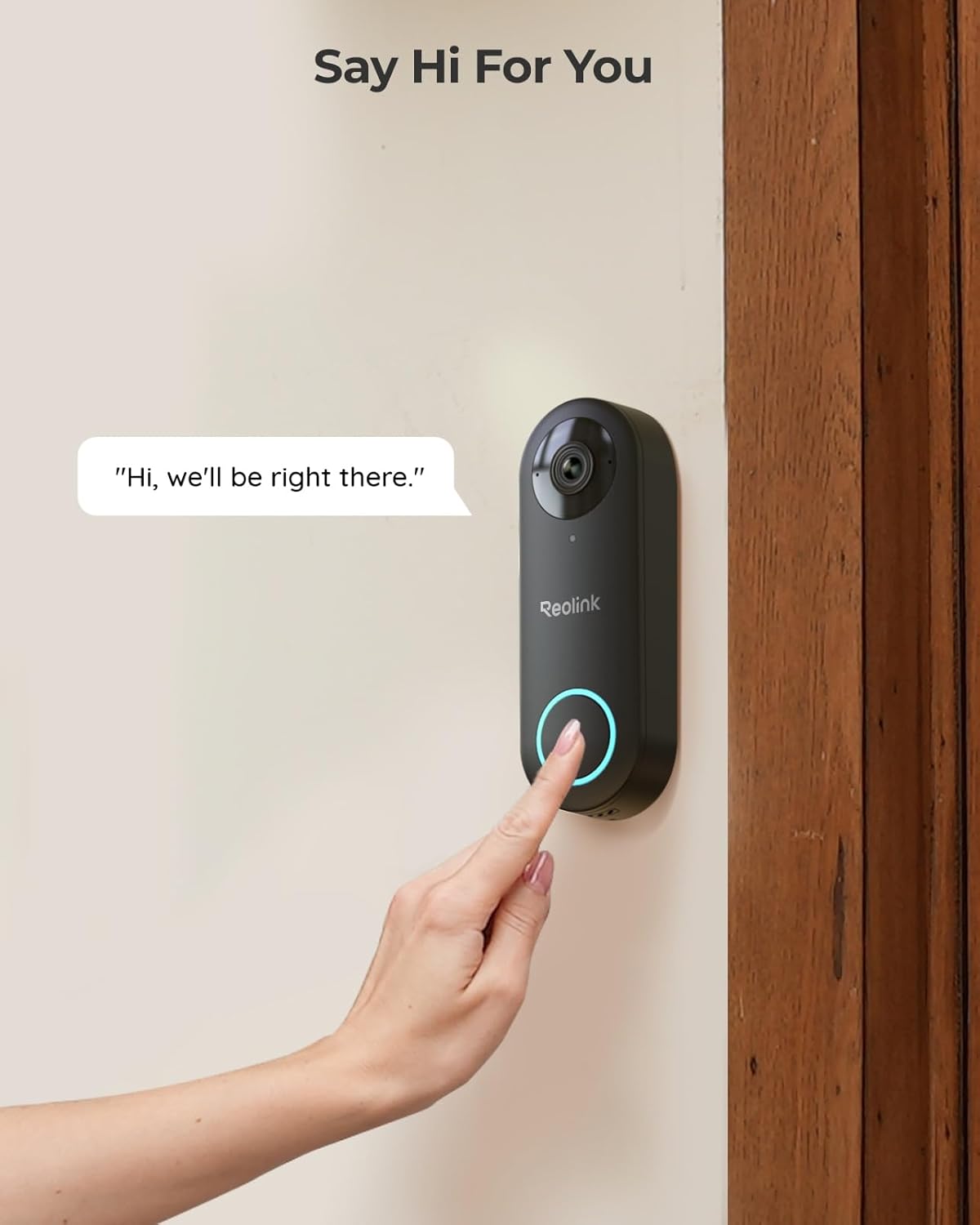
 Answer the Door for You with Your Voice
Send instructions to your mailman or greetings to visited friends with your preset voices.
 Hear and Talk Back to Visitors
Have real-time communication with your visitors wherever you are.
 Hear “Knocking” from Any Room
The chime has adjustable volume and 10 tunes for choice. You can plug it in in any room.
 Receive Humanoid Detection
You won’t miss the moment when someone visits or lingering.
 Say Goodbye to False Alerts
Distractions caused by irrelevant events will be reduced greatly.
1 Customized Voice Reply
2 Two-Way Conversation
3 Chime Included
4 Accurate Alerts
5 More Peace of Mind
 6s Before a Motion Is Triggered
Valuable 6s footage before the detection increases the likelihood of criminal identification.
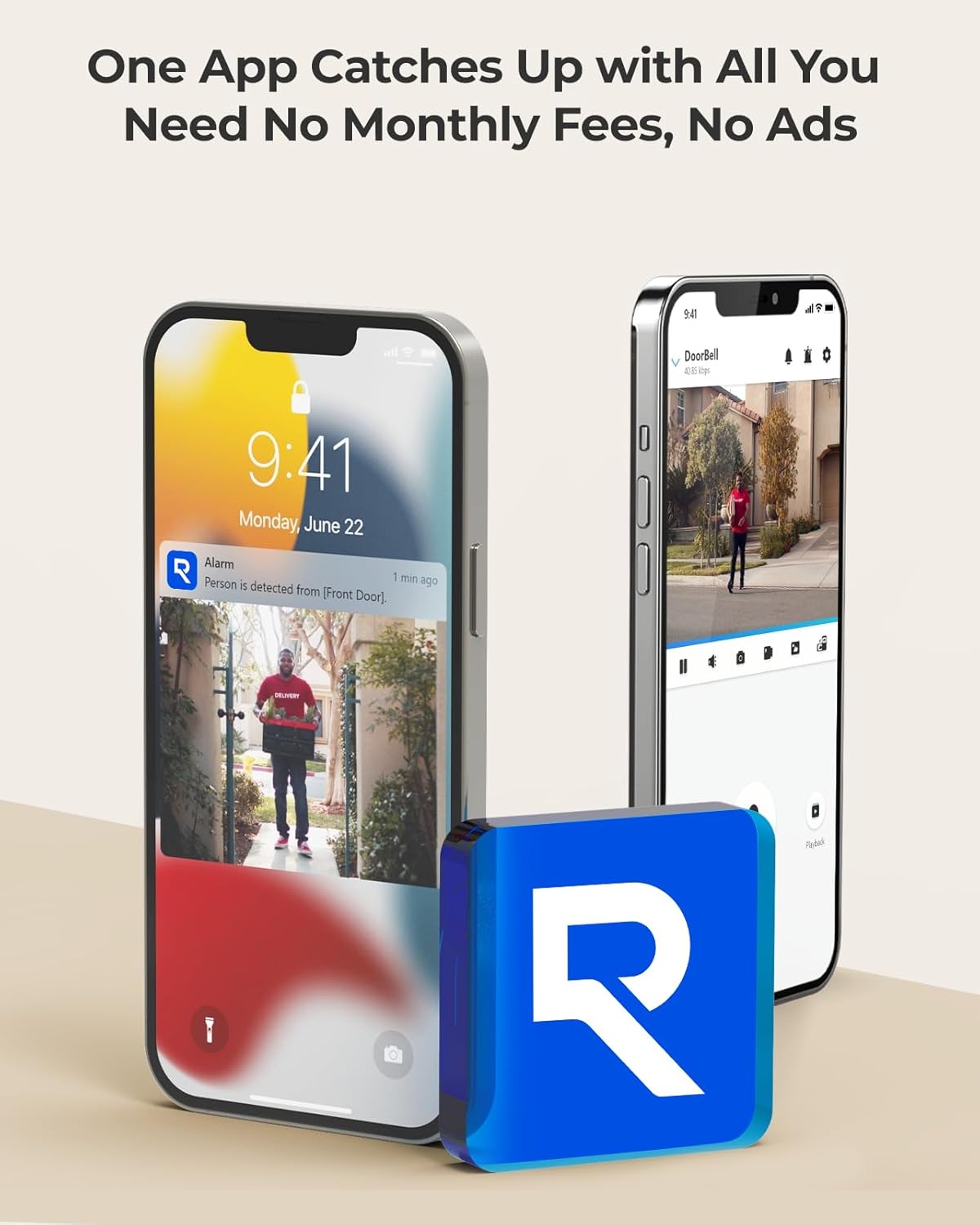
 Lifetime Reolink App/Client
Access, playback, and talk via Reolink App/Client anywhere, with no monthly subscription.
 For Outdoor Use
Guard your front door no matter rain or shine, all year round.
 Your Privacy, Our Priority
Your data are encrypted by advanced algorithms such as AES, RSA, ECDHA with passwords.
1 Pre-Motion Recording
2 No Monthly Fee
3 Weather Resistance
4 Data Secured


A Quick Installation Guide for Reolink Doorbell PoE

Recommendation & Comparison between Reolink PoE Products
Add to Cart
Add to Cart
Add to Cart
Add to Cart
Add to Cart
Add to Cart
Add to Cart
Customer Reviews
4.4 out of 5 stars 1,069
4.3 out of 5 stars 162
4.2 out of 5 stars 2,709
3.9 out of 5 stars 809
4.4 out of 5 stars 2,597
4.4 out of 5 stars 945
4.3 out of 5 stars 746
Price
$109.99$109.99
$99.99$99.99
$119.99$119.99
$119.99$119.99
$369.99$369.99
$189.99$189.99
$189.99$189.99
Network
Ethernet
Ethernet
2.4/5 GHz Wi-Fi
2.4/5 GHz Wi-Fi
Ethernet
Ethernet
Ethernet
Resolution
2K
2K
2K
2K
5MP
4K 8MP
Duo 4K 16MP
Viewing Angle
H:135° • V:100° • D :180°
H:100° • V:135° • D :180°
H:135° • V:100° • D :180°
H:150° • V:150° • D :180°
H: 80° • V: 58°
Pan 355°Tilt 90°;Auto Tracking
H: 180° • V: 55°
Night Vision
IR Night Vision
IR Night Vision
IR Night Vision
IR Night Vision
IR Night Vision
IR/Color Night Vision
IR/Color Night Vision
Motion Detection Type
Person, Visitor, Motion
Person, Visitor,Package,Motion
Person, Visitor, Motion
Package,Person,Vehicle,Visitor
Person, Vehicle, Animal
Person, Vehicle, Animal
Person, Vehicle, Animal
Recording Options
Reolink NVRs or microSD card
Reolink NVRs or microSD card
Reolink NVRs or microSD card
Reolink NVRs or microSD card
Reolink NVR
Reolink NVRs or microSD card
Reolink NVRs or microSD card
2K Super HD & 4:3 Aspect Ratio: Enjoy the super wide field of view of 135° (H) x 100° (V) x 180° (D). Find the right position for your doorbell with its 15° wedge kit. Incredible 2K HD, along with advanced HDR, 3D DNR, and distortion correction technologies, provides sharp and detailed images even in low light conditions.
Chime V2 Included & Answer the Door Faster: Plug the chime included into any electrical socket in any room and be confidently alerted when visitors “knock”. You can choose 1 of its 10 tunes and adjust its volume. You can also preset voice messages or automatic replies for times when you’re occupied. Chime Compatibility: Reolink Chime-V2.
Easy & Reliable PoE Setup: Finish the installation in minutes with a Power over Ethernet design (power supply NOT included) also with unmatched stability – data transfers with no reliance on spotty signal but with a wired connection. An internet break won’t stop it from 24/7 recording. Please note that a third-party NVR is NOT supported. Supports 12-24V AC 50/60Hz, 24V DC power, IEEE802.3af PoE switch/injector, or Reolink PoE NVRs.
Flexible Storage Options & Versatile Software: Reolink software provides lifetime service that requires NO monthly fee. It supports pre-roll recording, which provides valuable 6s footage from before an event is triggered. Recordings can be stored on a microSD card (Max. 256GB, not included), Reolink NVR for built-in 2TB/4TB HDD local storage, or FTP/NAS.
Accurate Alerts by Humanoid Detection: You can set it to alert you when a human is detected, ignoring trivial non-human passers-by, and you can set the motion zone to decide where objects’ movements will be detected.
9 reviews for REOLINK Video Doorbell PoE Camera – 2K IP Security Camera Outdoor with Chime V2, 4:3 Aspect Ratio, 180 Degree Diagonal, 2-Way Talk, Plug & Play, Secured Local Storage, No Monthly Fee
Add a review

$109.99
Ken Irvin –
OK I am impressed…
I had bought into the whole Blink infrastructure, yea I know. Which was comically bad. The doorbell didn’t work as a doorbell after one of their many updates, which is kinda an inexcusable fail. The only person that could hear it “ring” was the person that pushed the button. Recorded video and detected motion OK, but was the worst of the Blink products at that. I had one on every outside door (5). Between that and their Floodlight, that doesn’t reliably work as a floodlight, I gave up, all going in the bin.That was a Black Friday impulse buy, and bought more of it, as it worked pretty well for what it costs for a while, then they updated it into uselessness. So, a little research this time around, and came across the Reolink, and well, by comparison, it’s night and day. As a doorbell, it does what you’d expect a doorbell to do, push the button and it rings, and with the Alexa skill, it rings everywhere, and in my house that’s a lot of places. It’s like noon in an old clock shop when someone pushes the button. Given that the problem it was intended to solve was a vendor who felt their product was so valuable that it required an in-person direct adult signature to deliver, and the old doorbell gave the false sense than I heard that there was someone at the door, well the Riolink was ordered, delivered and installed before that delivery was re-attempted the next day.So the Riolink costs a lot more than the Blink, but still, not all that expensive. I have also worked with Axis which is the polar opposite. The Riolink is cheap in comparison to those. But the Riolink has a whole lot more in common with Axis than with Blink. I mean it’s just a doorbell, but that doorbell has all the same kind of camera configuration options as the Axis cameras had. Not least of which, and maybe this sounds dumb, but the ability to just bring up the camera and watch it if you are expecting something. I don’t know how common that is for all the consumer doorbell cams between the bottom of the barrel Blink and the Riolink, but NOT being able to just camp on a cam seemed pretty ridiculous to me. And i can do this on a real screen, on my PC and not be restricted to a smartphone app.All this makes it way better, BUT that’s just the tip of the iceberg. It has some pretty impressive integration with Home Assistant, it has actual Ethernet conductivity, and PoE, and it has a pretty impressive image quality. Yea, I had to drill a hole because it wasn’t just batteries and WiFi, but I’d rather have wired or wireless any day, worth the effort. Oh and support for local storage.So, the nit picks…The included angle bracket isn’t enough and additional one to stack them up aren’t available, and unlike a lot of the doorbell cameras there is no aftermarket for such things. I ordered some made for the Arlo cam that many have adapted for this cam, we’ll see how that goes. Yea there are a lot of people selling 3D printed ones, but I’d rather just buy something manufactured, even if I have to adapt it.The included chime is a 1 to 1 thing, apparently you can pair to more than 1 chime but you can’t pair multiple doorbells to the same chime. It would be nice to have multiple chimes and multiple doorbells and they all just work with all, but I guess not. However the Alexa integration really makes that not so much of a deal as I have an Echo or a FireTV Cube in every room, so honestly the chime doesn’t matter so much. The down side of that is that you are no longer local if you are using that skill, from either side, you have to join the cams to the Riolink cloud service and then pair that service with Alexa which is also cloud.Oh and I had initially bought 2, the PoE version and the WiFi version, not really realizing that the WiFi version still needs to be externally powered. It does however also have an Ethernet port, which I wish also did PoE but it doesn’t. I had bought a bunch of 24V PoE injectors a while back hoping they would power my EcoBee thermostats (they didn’t, AC only apparently) but they work fine on the WiFi version of the Riolink, I guess even the included power adapter is actually 24V DC (not the 24VAC that is typical for doorbell wiring). So apparently AC/DC doesn’t matter, though did read somewhere that it’s 24V DC or 12-24V AC, so guessing that much more commonly available 12V PoE adapters wouldn’t work.Anyway, like I said I had 5 Blink doorbells, which are all getting replaced with these. I have tons of PoE ports in my house, so it’s just a matter of getting a cable from A to B. I will be trying Their cameras as replacements for the rest of the Blink stuff as well, so far I am impressed, a few minor gripes, but overall meets and exceeds…
maurice –
Connect to your NVR through NVIF, great system with lots of features at good price
This is the POE version, not wifi. Some basics- for poe, you need to wire the doorbell using Cat 6 cable to an nvr or injector. If you don’t know what that is, hire someone to do the wiring and figure out which nvr to buy. If you want home security with nvr capabilities, i.e. many cameras, secure recording to a hard disk, etc. then become familiar with nvr and wired cameras. POE cameras simply mean one Cat 6 cable is used to both power the camera and send its signals to the NVR. Older systems use two cables.So, if you are in the right place and you have a POE Cat 6 cable at your door, this camera is terrific. I had a professional do the wiring and sell me an NVR and 4 cameras plus a doorbell. NVR and cameras are from Dahua. Doorbell was from Aukvox. The latter was very sophisticated, could unlock two locks remotely, had provision for a security card, etc. But its night vision was zero even with infrared, its motion detection was zero and you could only hear but not talk back. Good for business maybe, not residence. $500 device useless to me as a homeowner/residence. Wanted service fee of $175 to come out each time and tinker with it. Had enough and bought this POE reolink.Installed it and it has great night vision and motion detection, 2 way intercom, great features.The rub is how to install it so it shows up on my nvr monitor? It has NVIF capability and my Dahua nvr has nvif ability as well so I gave it a shot. Bought it from Amazon because they have a great return policy and if I was not able to set it up I would return it.The reolink support documents did not help. I did not bother to call tech support. I googled Dahua nvr and Reolink POE camera how to connect and got a lot of good info that way. I will not go into all the detail. Too long already. But, they say get into the camera interface through the URL address. I got in but that didn’t help. So if you are trying to connect to nvr, you have to enable NVIF on the camera. How? Do the following on the APP, not the interface or Reolink client on the web.Go to Settings, hit the device name (first item), another screen opens Device Info, go to Network Information, then Advanced, BOOM, the screen gives you choices to enable RTMP, HTTP, HTTPS,RTSP and ONVIF. I enabled them all.Plug the camera into POE. The NVR will now be able to add the camera to its list of cameras. Add camera, initialize, do whatever your nvr manual says to do and it will appear in your phone app as well along with all your other cameras. When you add it, you will have to enter username and pw. I am skipping the nvr steps. Figure those out.I see some negative reviews here but I am very satisfied with it. You also have to pair the chime. My old battery chime ate batteries every 3 months. This is plug in and quite loud with choice of rings.Overall, one week later, very happy. Lets see how it performs over time.
Matt –
A great investment! No monthly fees! EXCELLENT QUALITY!
This doorbell is fantastic!Unlike other brands that charge monthly fees just to use the device you already bought, Reolink doesn’t. Once you purchase it, it’s yours — no subscriptions, no hidden costs, just a solid, reliable doorbell that works the way you want it to.It’s also perfect for anyone who values privacy. Your data stays with you, not in some company’s cloud.The video quality is excellent, with a wide-angle view and crystal-clear images both day and night. I was especially impressed by the smart notifications — it can distinguish between people, vehicles, and animals, allowing me to fine-tune alerts to exactly what I care about.The chime setup is effortless: just plug it into an outlet, and it’s ready to go. Truly a “set it and forget it” experience.I went with the PoE version and couldn’t be happier. There’s something satisfying about having one single cable handle both power and data through modern, efficient technology.Storage options are flexible, too — you can record to the onboard microSD card for simplicity, or connect it to an NVR for a more robust setup.
PeterG –
As always another great reolink products.. supporting OVNIF standards.
We have 16 CCTV cameras from REOLINK and after our WUUK doorbell died this was a clear choice.. This doorbell can stream to 3rd party NVR’s which is what the vendor said it can’t do. The door bell support ONVIF and RTSP protocols and has full web interface just like their camera options. Very pleased with the purchase.. the only thing I would change is move the recording storage media to the door chime in case someone rips off the camera then ur data is gone as well vs like other brands (example WUUK) where they have SDCard slot in door chime that is safe inside your house vs being exposed to outside.
Amazon Customer –
It is perfect, I like the POE because I don’t need to use any transforrmer.I need to add that homeassistant integration was a real added value for me.
Justin A. –
Great value! Clear 2k resolution and fast response. I started a sdcard for motion detection alerts and notifications to work via the Dahua NVR and also ability to record 24/7.The Reolink was connected via a POE switch to the local network to allow for the Reolink app to be used for notifications.
Yufeng Nie –
PoE version is perfect if you already have the PoE infrastructure at home. Simple plug and play operation and hasn’t missed a beat recording to Synology surveillance station, HomeKit (via Scrypted) and to an internal microSD.Just make sure you have a way of getting the Ethernet cable to where you need. If your doorbell is on a distant gate down the driveway then this product may not be ideal for you.
DXB_Uzi –
This has the best 2 way audio i have ever experienced on a doorbell. I have it on a noisy street, and I have previously used Nest, Logitech, Ring (their most expensive model which was PoE), and Eufy. Nothing compares in terms of audio – its almost like as if it is a phone call with no background noise.
Amazon Customer –
I purchased this camera on august 09, 2023. It has an excellent 2K+ picture and lots of great features. I really like its ability to store my videos on a FTP server. The video storage is limited only by the hard disk storage on my server. I don’t have to pay for cloud storage and I already had several computers to use as a FTP server. My neighbour pays a monthly fee for his storage. I was worried that it wouldn’t survive the harsh Newfoundland winters. It worked fine during winter of 2023 but began to fog up last winter. We get a lot of freeze thaw cycles and a lot of wind rain and snow. I couldn’t really fault the camera. I also have two Reolink RLC-810A 4K cameras with the same features and they have been working great through two winters. I got in contact with Reolink support and they were good enough to send me a replacement camera. I installed it today and it works great. Overall I am quite pleased with my Reolink cameras. When I need another camera I’ll definitely purchase another one from Reolink. The cameras and support are top notch. Thank you Reolink.