

Logitech Signature Plus M750 L Wireless Mouse – for Large Hands, SmartWheel, Bluetooth, Multi Device, 24-Month Battery, Silent Clicks, Customizable Side Buttons, Contoured Shape – Graphite
$6.99
Related Products










Logitech Signature Plus M750 L Wireless Mouse Upgrade to smarter scrolling, better comfort and more productivity with Signature Plus M750 L. SmartWheel scrolling delivers precision or speed the moment you need it. A choice of sizes for smaller or larger hands truly makes Signature Plus M750 L a perfect fit for everyone. Easy-Switch lets you pair and switch between up to three Bluetooth devices, while the DPI switch means you can seamlessly customize your mouse settings. Silent clicks and the contoured shape keep you comfortable and focused hour after hour. Product details: Weight (with batteries): 111.2g (3.93 oz ) Dimensions: 118.19 x 65.63 x 41.52 mm (4.65 x 2.58 x 1.64 in) Connectivity: Logi Bolt USB Receiver or Bluetooth Low Energy Wireless Technology System requirements: Windows 10, 11 or later, macOS 10.10 or later, Linux 4, ChromeOS 4, ipadOS 13.4 or later, Android 8.0 or later *Click noise reduced by over 90% compared to Logitech M185. Left click and typing dBA level measured by an independent lab at 1 meter. **Battery life may vary based on user and computing conditions **** Excludes receiver and printed wiring assembly (PWA) plastics, and packaging.
Scroll smarter: With Logitech Signature Plus M750 L Wireless Mouse you get line-by-line precision for documents and super-fast scrolling for long web pages; simply switch modes with a flick of the SmartWheel
Upgrade your comfort: This mouse provides long hours of comfort thanks to its shape, soft thumb area and rubber side grips that keep your hand snug. Sizes and handedness available
Easy-Switch and Flow enabled: Pair and switch between up to three Bluetooth devices and effortlessly transfer text, images, and files between Windows and macOS operating systems
Less noise, more focus: Whether working at the office or at home, Logitech Signature Plus M750 L is a quiet mouse, allowing you to enjoy 90 percent less click noise with SilentTouch technology
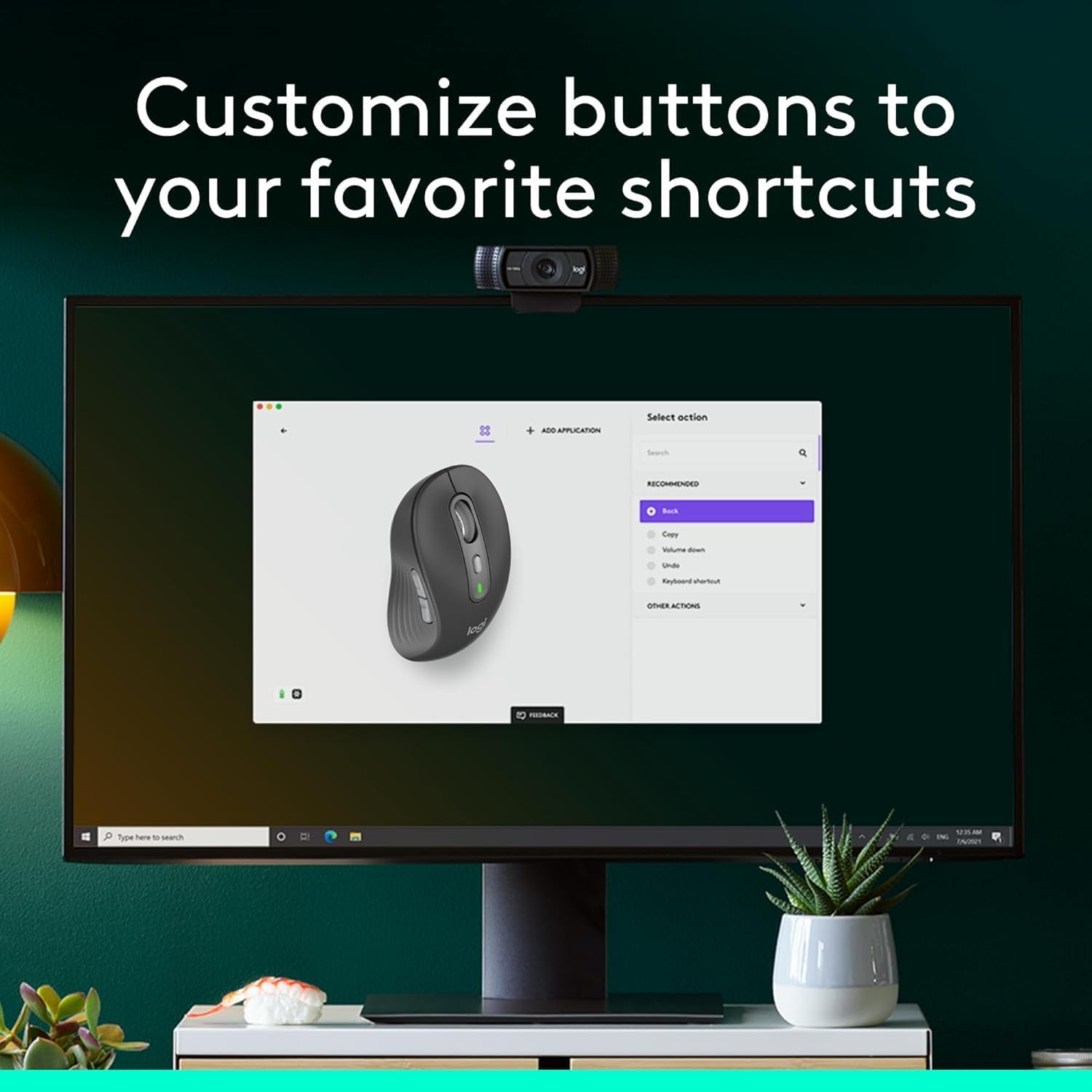
Customizable side buttons: Customize the side buttons on the computer mouse with Logitech Options plus , available on Windows and macOS, to your favorite shortcuts – like back/forward or copy/paste
24 month battery life: Work for up to 2 years on the single AA battery that comes with your multi-device mouse
Works on multiple platforms: Experience seamless compatibility with Windows, macOS, Linux, ChromeOS, ipadOS, and Android operating systems with Logitech Signature Plus M750 L wireless Bluetooth mouse
Note: In case of Wireless mouse, the USB receiver will be provided inside or along with the mouse
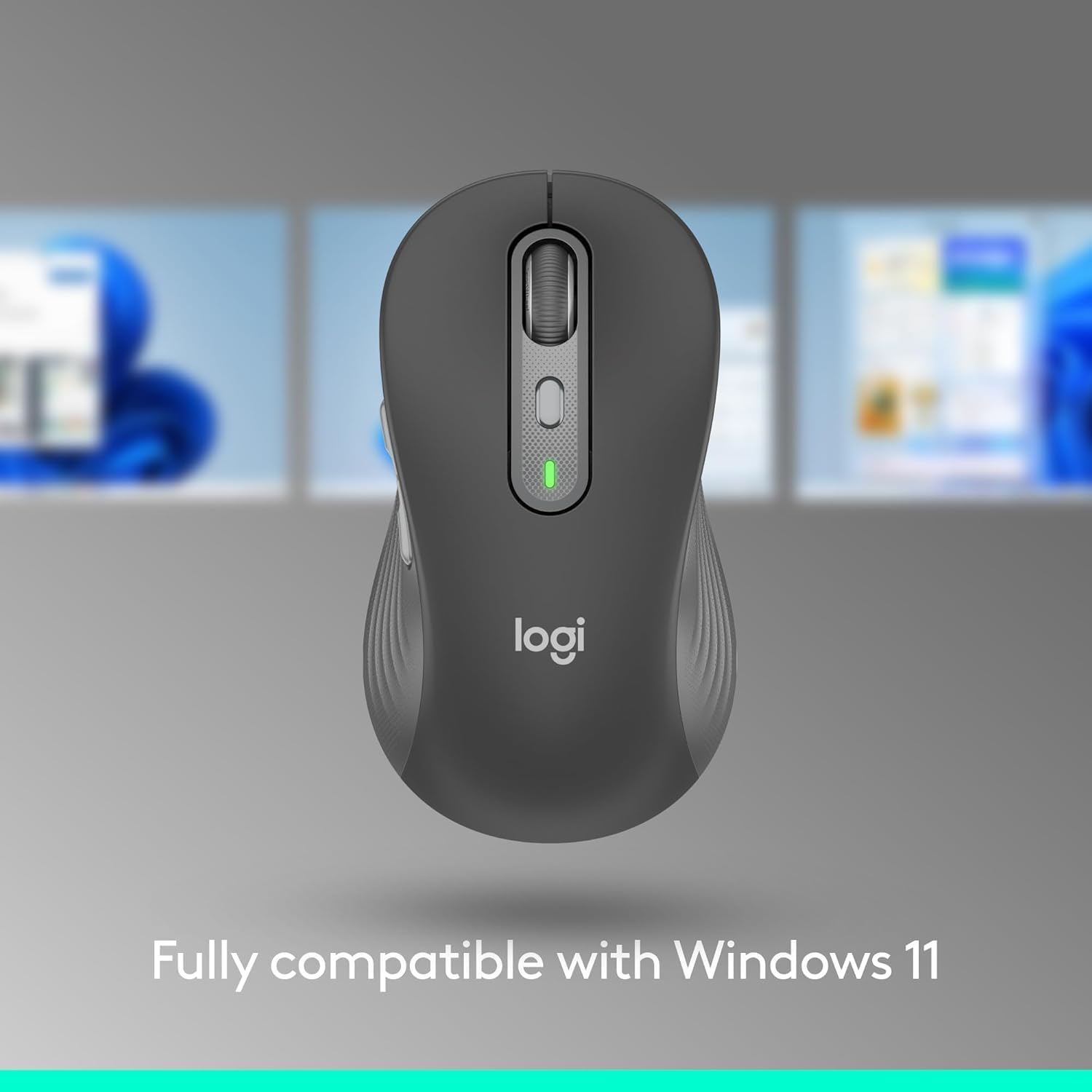
Fully compatible with Windows 11
13 reviews for Logitech Signature Plus M750 L Wireless Mouse – for Large Hands, SmartWheel, Bluetooth, Multi Device, 24-Month Battery, Silent Clicks, Customizable Side Buttons, Contoured Shape – Graphite
Add a review

$6.99
CMR –
Perfect Travel Mouse Bluetooth!!
Comes is sizes for Small medium or Large hands. Great idea. Made well connects with USB or Bluetooth can switch.Easy to use. SILENT!!
CFortC –
Nice step-up Bluetooth mouse
I’ve been using baseline Logitechs for decades. However, this step-up model is able to pair with more than one PC so it can be quickly switched between them depending on which PC I’m using. A small push-button on the bottom selects the connection. The mouse also contains in the battery chamber a small USB dongle which allows the mouse to be used on a machine without Bluetooth.The feel of the mouse in use is excellent. The size is perfect, not too small for my hands nor a handful. The wheel is extremely responsive. As usual, I decline to install the Logitech extra driver to avoid any proprietary complications. It’s only asked me once, so far.
rich parker –
Nice mousie
Works well with a Macintosh. Very good control.
GPS6843 –
Very Nice Wireless Mouse
I really like this mouse. It is a little larger than a lot of them and I like the weight of it also. I really feels solid and precise.
Classical Recording Collector –
Fairly Large and Would be Totally Satisfactory for Most.
I have large hands and was sad when my old, very large Microsoft mouse began to fail. I looked at several possible replacements, and was tempted to purchase a Lenovo ergonomic model, large (almost mountainous) and angled at 45 degrees, which really fit my hand well, but eventually felt too extreme in angle and bulk and so I purchased this more conventional Logitech model that is stated to be designed for larger hands. However, the pinched-in sides and lower palm swell made it feel smaller and, in retrospect, I began to appreciate the comfort of some angulation, which this Logitech lacks. I finally settled on the German-designed Cherry, which has a full palm swell and is canted just enough to make it more comfortable (to me) than conventional mice, like this Logitech. The Logitech functioned very well and, I’m sure, would be perfect for most people with larger hands. It’s only my experience with the Lenovo (its “dongle” remains plugged in as “backup”!) that made me me perhaps too critical of conventional mouse configurations, like this one.
Robert Schmidt –
MX Master alternative at less than half the price
I’ve been using MX Master’s for the last 10 years now, but it seems the click mechanism has been getting worse on recent years and I’ve gone from my original which last 3-4 years to the latest 3S which barely lasted more than a year before the mechanism failed. I decided to try something different this time around and got both an M650L (which seems to be the same as the 750 L but lacks multi device functionality) and M750 L. After taking it out of the box it feels almost identical to the MX Master, if slightly cheaper feeling (and honestly I would be nitpicking to say it feels cheaper). It even has fairly silent clicks.I’ve used it for several months now with no issues, that’s not to say it wont develop the same clicking mechanism issues as the MX Masters but at less than half the price I think it’s less of a worry. I think unless you specifically need the extra buttons on the MX Masters, this mouse makes way more sense.It also uses a AA battery instead of a rechargeable USB C, which I used to think would be a con but the battery lasts much longer and I don’t need to worry about carrying around a cable with me when I travel. If this lasts 4 years like my original MX Master, having AA batteries will also mean the battery won’t degrade over time.
H. Braswell –
Works Perfectly!
Reasonably priced mouse, very easy to set up and connect to my laptop.
Rhoq –
A great alternative to the MX Anywhere 3S
I own a Logitech MX Anywhere 3S and really like it. I wanted a similar mouse to use with my laptop, but didn’t want to spend $90 on another Anywhere 3S. The Signature Plus M750 is the more affordable little brother to the Anywhere 3S. It has many of the same features for half the price. It’s a great compromise for anyone looking for a mouse similar to the Anywhere 3S, but doesn’t want to spend MX money.
Vero –
Parfait pour l’es grande main. Super silencieux!
Chuck –
Works great and buttons are smooth.
Iris –
I own several Logitech mice, and this model is my favorite for work. It has all the features I need: compact yet a comfortable size, responsive performance, nearly silent clicks (except for the forward/backward buttons, which have a slight sound), and smooth line-by-line scrolling. Overall, I’m happy with the purchase.
Mr_Geek –
Great mouse, fully customizable in Logi Options+ app for Mac and Windows. Comfortable ergos and easy three device switching for connecting the same mouse to my work laptop, personal laptop, and iPad. Also has the old school dongle for using with devices that don’t have native Bluetooth.
Lutful Arefin –
This is a great mouse. It’s light, precise and comfortable.However, am I being more productive using this? …. Yes and No.I bought this to multitask on multiple device at once. But it’s not possible to do that quick enough. Because, to switch from one device to the other,1. you must flip the mouse,2. find the button which is flush with the base, and then3. click. At this point, you also need to remember how many times to click!4. If you forgot that and switched to the wrong device, you must go to 1.The whole purpose of having a multi device mouse is to be able to quickly switch between devices and be more productive. But ehh!I was hoping that this mouse has a customizing app; so, I maybe able to map the functionality to another button and Logitech failed me again! Well done! One star taken for that pathetic shortfall.I cannot strongly recommend this as I know there are other mice with the device switching button placed on a better location, just not with Logitech. People should buy those instead.